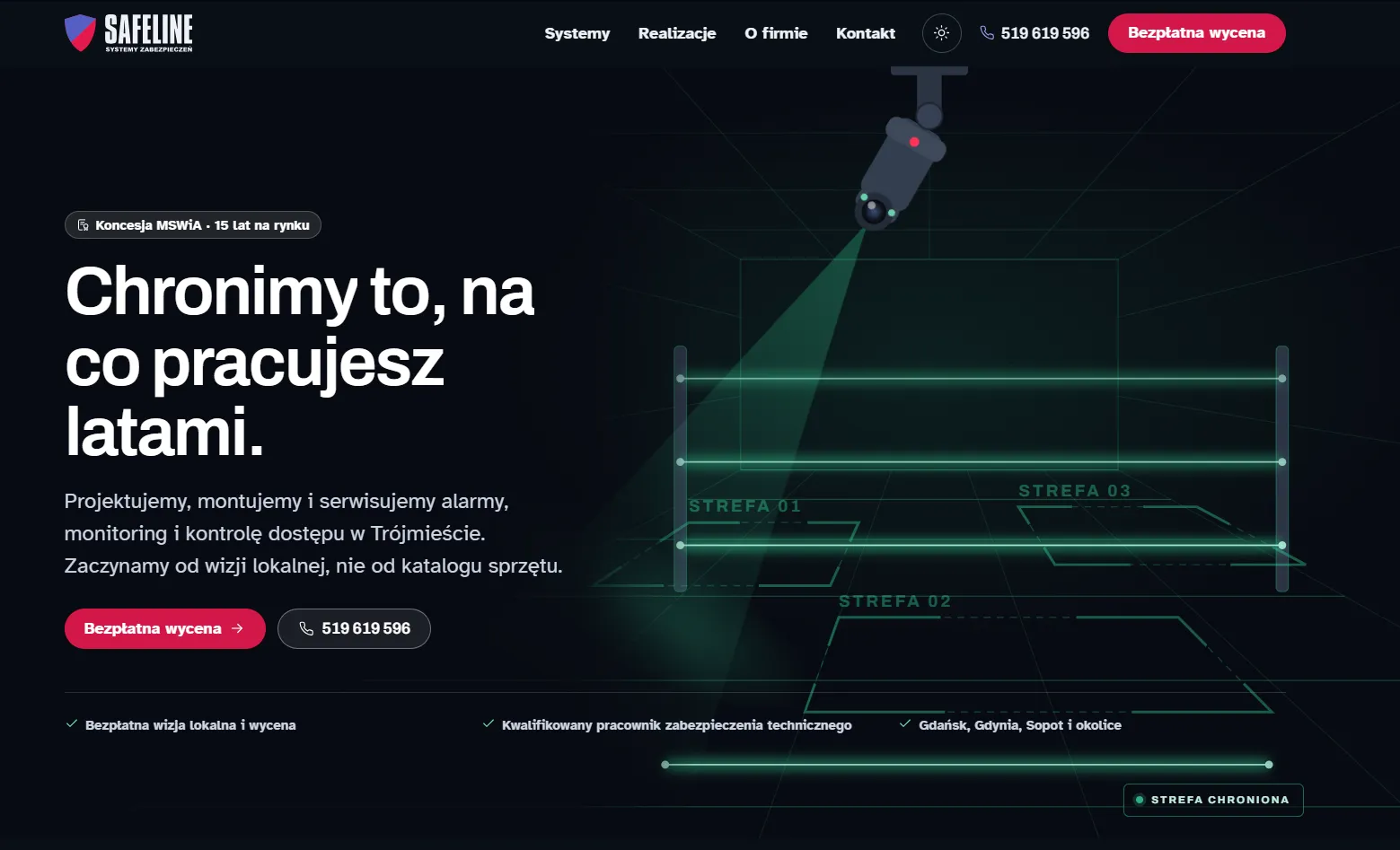
Security systems, Tricity, Poland
I design and build websites for service businesses that have a site from years ago, or none at all. No template, no plugin bolted on to patch accessibility afterwards.
The timeline starts when the complete materials arrive.
Accessibility is part of the craft, not a separate line on the invoice. You pay for a website, not for a conformance surcharge.
Not every site has to be thrown away. Sometimes fixing what is there is enough, sometimes building again is faster. Before I propose anything, I need to see where you stand.
Free, no strings attached. What a rebuild costs depends on what the analysis finds.
Four steps where accessibility is a promise, not an afterthought.
I learn the goals, users and context, including people who rely on assistive technology.
I design flows and UI with contrast, focus order and keyboard support in mind.
I build on semantic HTML, with a lightweight, fast front-end and real testing.
I check WCAG 2.2 conformance automatically and manually, with a screen reader.
Accessibility needs upkeep after launch too. I train teams that edit their own content.
Two marketing sites built from scratch, both for service businesses.
Security systems, Tricity, Poland
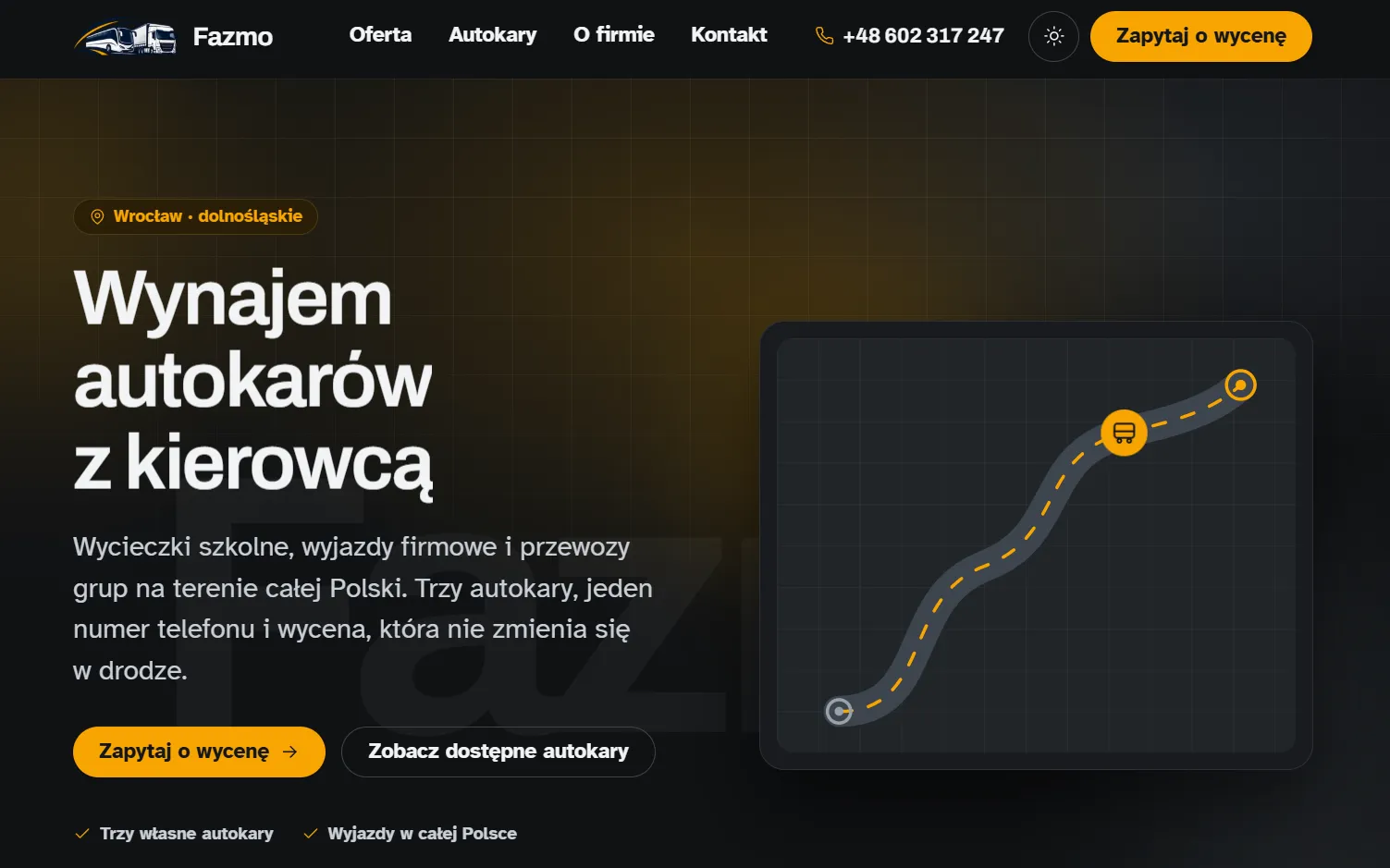
Coach hire, Wrocław, Poland
Usually it can, but it rarely pays off. If your site was made in a website builder, its code is generated automatically and the parts that decide accessibility cannot be fixed from the inside, because you have no access to the templates. Moving the content across to a new site is now faster than patching the old one. That is why I start with a free analysis: I check where your site stands and tell you straight which route works out cheaper.
No, and the simplest proof is the page you are reading. Accessibility sets conditions, not a look: readable contrast, a clearly visible focus ring and a sensible reading order. Everything else is an ordinary design decision, dark mode and a characterful typeface included. Have a look at the work and judge for yourself.
You might, and that is normal, because the most common mistakes do not look like mistakes. A photo with no description disappears for someone using a screen reader, a heading used only to make text bigger breaks the structure of the page, and a „read more” link says nothing out of context. Those are three things you can learn in an hour. If your team is going to run the content, I will train them before they take the site over. If you would rather not deal with it at all, we arrange it differently and the changes come through me.
Three things: content about your company and services, a rough draft is fine, your own photos, and one person on your side who can make decisions. You do not need to polish the text, the editing is on me. The 7 to 14 day timeline starts once we have the full set.
Want to understand the terms first? I explain them without the jargon: digital accessibility explained.
Conformant with WCAG 2.2 and designed around the people who will use it. Write to me, I reply within one business day.